Title here
Summary here


Find, Compare and Submit FPGA dev boards
April 20, 202610 minutes
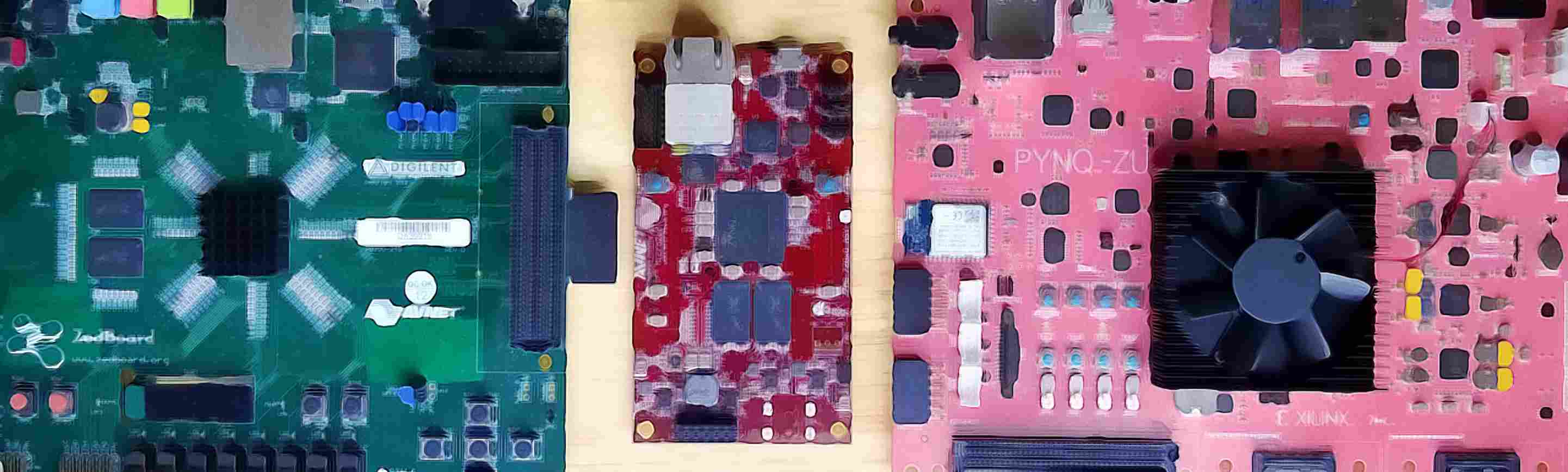
Say you need a board with an FMC HPC connector, two SFP+ cages, a Zynq UltraScale+ with at least a -2 speed grade, and a price tag under $2,000. Where do you start?
Or what about the board sitting on your desk. What’s the device part number on it? What package is that? The Vivado device part number? How many MMCMs does it have again?
Because I work a lot with FPGA dev boards, I keep a tonne of board notes - just a bunch of text files where I jot little bits of information that are useful when I pull these boards out. Here’s an example: I’ll pull out the ZCU102 and my board notes remind me how to set the DIP switches to put this in JTAG mode or SD mode. Anyway after years of working this way, in 2022 I had a go at putting it all online, but to be honest, I didn’t have the web coder skills to do it properly. Fast forward to 2026, and Claude Code helped me to finally do it right.
So here it. The FPGA dev board repository: boards.fpgadeveloper.com - a searchable catalog of FPGA development boards that’s filterable, comparable, and deliberately open.
Every board is a JSON file in a public GitHub repository: github.com/fpgadeveloper/board-repo. Each file is validated against a JSON Schema on every pull request. Adding a board is a one-file PR. Fixing a wrong price or a broken URL is a one-line PR. The site is static - it rebuilds from the repo on every merge - so there’s no hidden database that anyone controls.
At the time of writing the repo contains 240 boards across 31 board vendors and 9 silicon vendors, plus part-number decoders for 78 FPGA families. That’s enough to be useful, but the whole point is that it grows from here.
The Find page is the search UI. You can narrow boards down by:
You can also search for boards by name, just type the first few letters into the Board Name field and that will filter out everything that doesn’t match.
Every filter updates the URL, so you can bookmark or share a specific query.
Select any number of boards from the Find page, hit Compare Selected, and you get a side-by-side table of every field across them - device specs, pricing, interfaces, resources. For an example, checkout this comparison between the ZCU102, ZCU106 and ZCU104.
Each board has a dedicated page showing the decoded device (family, logic-cell count, DSP blocks, BRAM, transceivers, I/O pin counts), vendor info, price in your chosen currency,
a link to the original product page, and per-vendor attributes like AMD Xilinx’s Vivado tool-part mapping and ML Standard support. Most of this is derived from the part number -
drop in a new board with a valid device.part, and the detail page fills itself in. The board pages also have a link to the board JSON file - look for the Github icon. For some
boards, you’ll find other Github icons linking to an attribute JSON file from where the specific attribute is derived. For an example, checkout the board page for the
UltraZed-EV Starter Kit.
There’s also a Parts page for the part-number decoder itself, if you just want to paste in an orderable code like XCZU7EV-2FFVC1156I and see what it means. The
decoder can also be used in reverse - select the device vendor, series name, package, temp grade, etc and you will get the full orderable part number.
The list pages leverage the database to create specialized and (hopefully) useful lists of FPGA dev boards. For example there is a list of boards with SFP/QSFP interfaces, there’s a list of boards that are supported by Vivado’s ML Standard/free edition. The list pages are not currently customizable but I plan to make this something that can be configured from the Github board repo. Something that’s possible to do would be a “list of boards under $100 USD”. There’s definitely more that could be done with this feature.
The site itself is pure static HTML/CSS/JS - no framework. Only the submit flow needs a bit of backend: a Netlify function that takes your form input, validates it, and opens a PR against the board-repo on your behalf.
All data is stored in the public Github board-repo. The data pipeline has four main parts to it, all made up of JSON files:
These are individual JSON files under boards/<vendor>/<mpn>.json, one per board. I designed it this way to make it as easy and intuitive as
possible to submit new boards. From each individual board page, there’s a link that takes you directly to the JSON file for that particular board, so if you
spot an error you can easily find and modify it on Github. Here’s an example board file:
{
  "mpn": "Ti180-M484",
  "name": "Ti180 M484",
  "status": "active",
  "url": "https://www.efinixinc.com/products-devkits-titaniumti180m484.html",
  "vendor": "efinix",
  "price": {
    "value": 850,
    "currency": "USD"
  },
  "device": {
    "part": "Ti180J484I3",
    "vendor": "efinix"
  },
  "video": {
    "hdmi_out": 1,
    "mipi_csi": 1
  },
  "networking": {
    "ethernet": [
      {
        "speed": 1000,
        "ports": 1
      }
    ]
  },
  "expansion": {
    "fmc_lpc": 1
  }
}
A couple things to notice. The device is defined by a single vendor slug, in this case “efinix” (defined in vendors.json), and a real device part number that gets validated by the part number decoders. The objective is to keep the board files as suscinct as possible (ie. no redundant information). The part decoders (described next) allow us to derive device information from the validated device part numbers. For example, the device family (eg. Spartan-7) does not have to be stored in the board file because that info can be derived from the part number.
One JSON per FPGA family under parts/<vendor>/<Family>.json. The decoder is a series of field definitions that match left-to-right
against an orderable part number and produce structured device specs. This is how the site knows that XCZU7EV-2FFVC1156I is a Zynq UltraScale+ MPSoC in a
1156-ball package at industrial temp, speed grade 2. The decoders are also used to make sure that submitted boards have real device part numbers in them.
For an example, checkout the Efinix Titanium decoder
and compare it to the Efinix Titanium selector guide. I don’t expect anyone to write up decoders
“off-the-cuff” - use ChatGPT or Claude Code - give it an example and the ordering information and let it work out the JSON.
Per-vendor JSON files that describe derived device properties (logic resources, transceiver counts, tool compatibility, ML Standard support, etc.) from device part numbers. Adding a new attribute is literally “drop a JSON file in a folder.” The attributes feature basically allows contributors to add extra information to a group of boards by providing detail that links to the device part numbers. I’ll try to explain this in another post but the best way to understand it is to look at the example for how we are adding the attribute “ML Standard Support” for all AMD Xilinx boards with a single ml-standard-support.json file. The actual data comes from the list of Vivado Supported Devices.
Per-board markdown (.md) files containing board notes that don’t fit the JSON schema. So far I’m using the board notes section to add boot-mode DIP switch info which is always a pain to hunt down in datasheets and user guides. For an example, take a look at the board notes for the ZCU102. You’ll notice that it also has a Github icon linking to the markdown file. I expect we’ll find other uses for the notes section like default jumper positions and little board quirks that are useful to know. To make this work properly I have to lay down some rules for this section: basically no links to 3rd party content, only links to device vendor official sites, no images, no tutorials, no marketing. For this to be useful, it has to stay clean.
A single schema.json defines the formatting of the board JSON files.
The same schema drives the form on the Submit page, the filter UI on the Find page, the board detail page’s section layout, and the validation workflow in CI.
Change a field title once, and every page that renders it picks up the change on the next build. This is basically about laying down some rules for how
the data is organized so that it’s easier to maintain and intuitive for contributors.
There are two ways.
From the website. Go to Submit a Board. The form walks you through MPN, vendor, silicon device (with a live part-number decoder for the supported vendors), pricing, and every interface category. Submit it, and that opens a PR on your behalf against the board-repo. No GitHub account required. You give a name and email - the name goes on the PR so you get credit. The email is kept private and only used if I have a follow-up question.
Via pull request. If you’re comfortable editing JSON, fork the repo, add a boards/<vendor>/<mpn>.json file that conforms to schema.json, and open a PR.
This is the right path if you want to submit more than one or two boards at a time, or if you’d rather not leave the GitHub flow. I’m guessing board vendors with
a long list of boards to submit will want to go this route. To make this even easier, I’m thinking of creating an Excel file and a script that parses it
and automatically creates the board files for each row in the spreadsheet. Non-tech people could just email me the file and I’ll run the script on it. If you’re
interested in this, please let me know.
I’m guessing most contributors will just submit boards and that alone would be great, but here are some other things that you could do if you want to contribute:
README.md in the board-repo documents the format. Lattice, Gowin, Efinix, Altera, and Microchip all have family gaps.attributes/<vendor>/ and it’ll render on every affected board.
At the moment I’ve only created attributes for AMD Xilinx boards (because that’s what I know) but it would help a bunch if we could get more attributes on
devices for other vendors. If you work for a device vendor, and have data to add, please get in touch with me.Visit boards.fpgadeveloper.com, run a few queries, and tell me what’s missing. If your favourite board isn’t listed, submit it. If the catalog is wrong about your board, fix it. Star the repo if you want to follow along as it grows.
This is the first announcement and the catalog has a long way to go before it covers every FPGA board on the market. I know and use a lot of boards, but that’s still just a fraction of what’s out there. With help from the FPGA community, I think this could become something really useful.