In this video I create a simple Vivado design for the MYIR Z-turn Zynq SoM and we run a hello world application on it, followed by the lwIP echo server. We connect the Z-turn to a network, then we use “ping” and “telnet” to test the echo server from a PC that is connected to the same network.
[Read More]Using AXI DMA in Vivado Reloaded
The DMA is one of the most critical elements of any FPGA or high speed computing design. It allows data to be transferred from source to memory, and memory to consumer, in the most efficient manner and with minimal intervention from the processor. It’s no wonder then that a tutorial I wrote three years ago about using the AXI DMA IP, is still relevant and still getting thousands of visits per month. I decided to remake that tutorial, this time as a video and using Vivado 2017.2 (just today they released Vivado 2017.3, doh!). Although I prefer doing written tutorials, I think that video tutorials can be very useful in their own way, and they’re a hell of a lot easier for me to produce. I hope you find this one useful.
[Read More]Tcl Automation Tips for Vivado and Xilinx SDK
Tcl automation is one of the most powerful features integrated into the Vivado and Xilinx SDK tools and should be fully exploited to maximize your productivity as an FPGA developer. In this post I’ve put together a “cheat sheet” of some of the most useful commands and tricks that you can use to get more done through Tcl scripting. If you want more things added to the list, please let me know in the comments section at the end.
[Read More]Multi-port Ethernet in PetaLinux
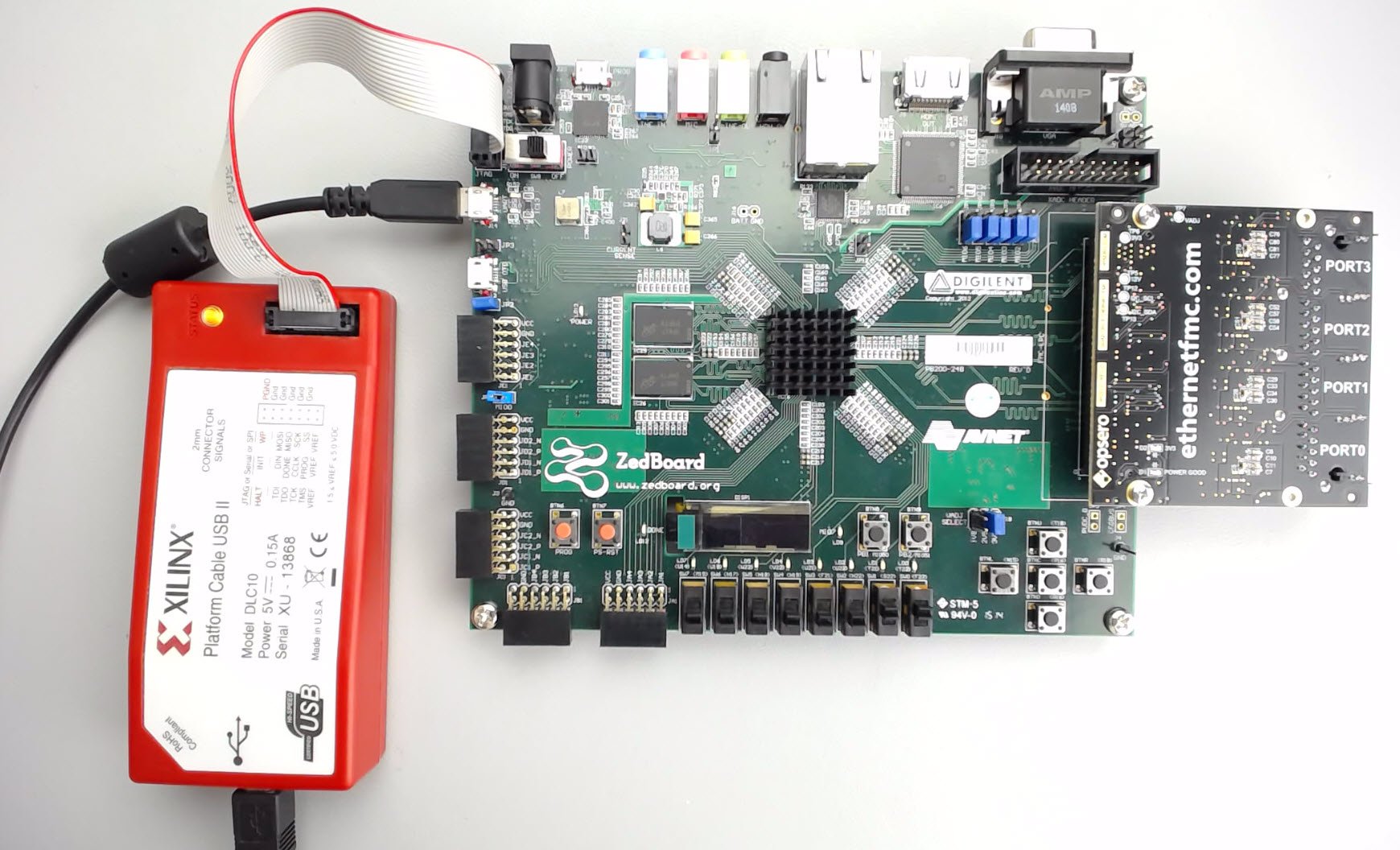
Many FPGA-based embedded designs require connections to multiple Ethernet devices such as IP cameras, and control of those devices under an operating system, typically Linux. The development of such applications can be accelerated through the use of development boards such as the ZedBoard and the Ethernet FMC. In this tutorial, we will build a custom version of PetaLinux for the ZedBoard and bring up 4 extra Ethernet ports, made available by the Ethernet FMC. The Vivado hardware design used in this tutorial will be very similar to the one we created in a previous tutorial titled: Using AXI Ethernet Subsystem and GMII-to-RGMII in a Multi-port Ethernet design. You don’t need to have followed that tutorial to do this one, as the Vivado project can be built from the sources on Github.
[Read More]Connecting an SSD to an FPGA running PetaLinux
This is the final part of a three part tutorial series on creating a PCI Express Root Complex design in Vivado and connecting a PCIe NVMe solid-state drive to an FPGA.
Part 1: Microblaze PCI Express Root Complex design in Vivado
Part 2: Zynq PCI Express Root Complex design in Vivado
Part 3: Connecting an SSD to an FPGA running PetaLinux (this tutorial)
In this final part of the tutorial series, we’ll start by testing our hardware with a stand-alone application that will verify the status of the PCIe link and perform enumeration of the PCIe end-points. We’ll then run PetaLinux on the FPGA and prepare our SSD for use under the operating system. PetaLinux will be built for our custom hardware using the PetaLinux SDK and the Vivado generated hardware description. Using Linux commands, we will then create a partition, a file system and a file on the solid-state drive.
[Read More]Zynq PCI Express Root Complex design in Vivado
This is the second part of a three part tutorial series in which we will create a PCI Express Root Complex design in Vivado with the goal of connecting a PCIe NVMe solid-state drive to our FPGA.
Part 1: Microblaze PCI Express Root Complex design in Vivado
Part 2: Zynq PCI Express Root Complex design in Vivado (this tutorial)
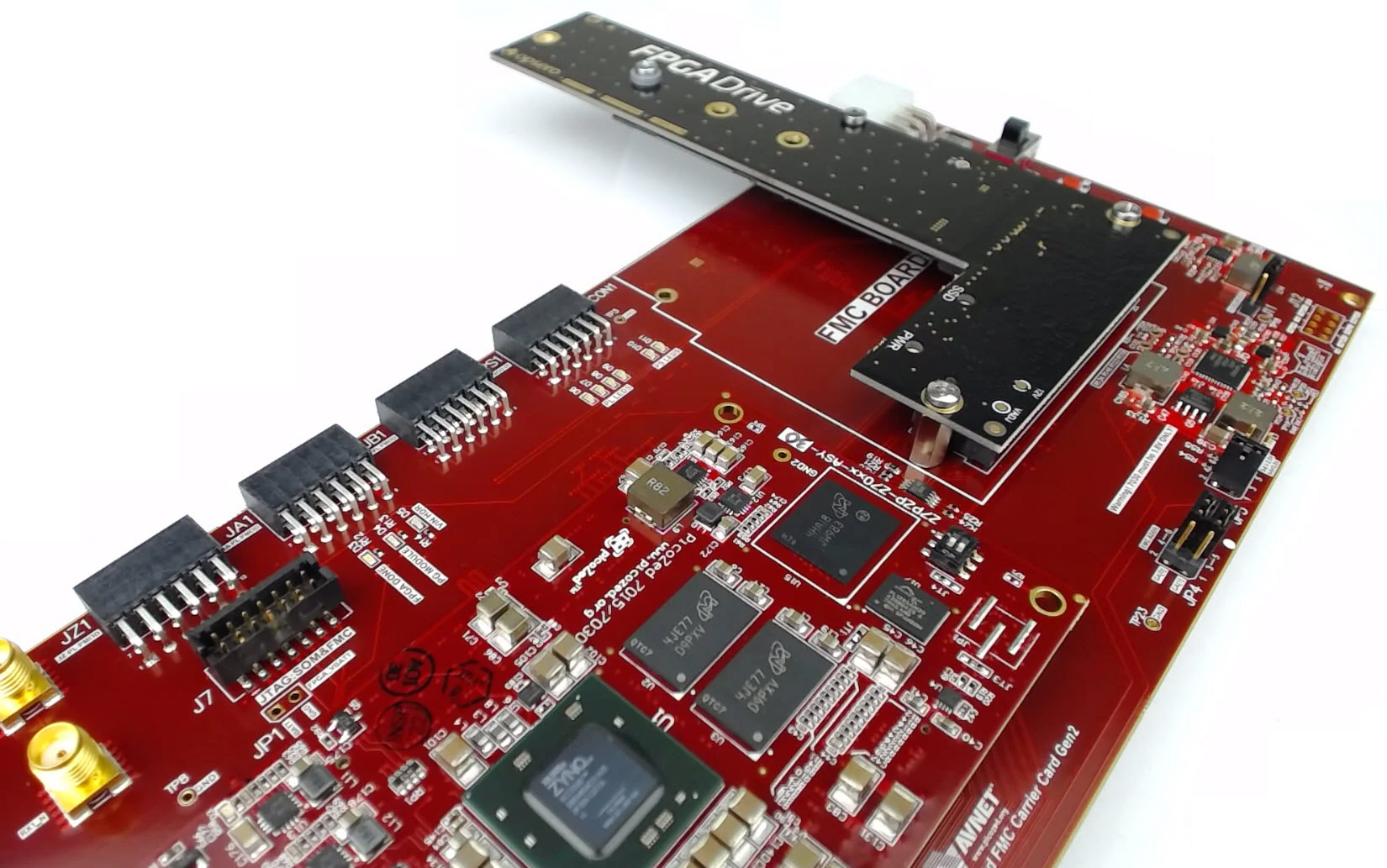
In this second part of the tutorial series, we will build a Zynq based design targeting the PicoZed 7Z030 and PicoZed FMC Carrier Card V2. In part 3, we will then test the design on the target hardware by running a stand-alone application which will validate the state of the PCIe link and perform enumeration of the PCIe end-points. We will then run PetaLinux on the FPGA and prepare our SSD for use under the operating system.
[Read More]Microblaze PCI Express Root Complex design in Vivado
This is the first part of a three part tutorial series in which we will go through the steps to create a PCI Express Root Complex design in Vivado, with the goal of being able to connect a PCIe end-point to our FPGA. We will test the design on hardware by connecting a PCIe NVMe solid-state drive to our FPGA using the FPGA Drive adapter.
Part 1: Microblaze PCI Express Root Complex design in Vivado (this tutorial)
[Read More]Running a lwIP Echo Server on a Multi-port Ethernet design
Tutorial Overview
This tutorial is the follow-up to Using AXI Ethernet Subsystem and GMII-to-RGMII in a Multi-port Ethernet design. In this part of the tutorial we will generate the bitstream, export the hardware description to the SDK and then test the echo server application on our hardware. The echo server application runs on lwIP (light-weight IP), the open source TCP/IP stack for embedded systems. Our hardware platform is the Avnet ZedBoard combined with the Ethernet FMC.
[Read More]FPGA Network tap: Designing the Ethernet pass-through
When designing a network tap on an FPGA, the logical place to start is the pass-through between two Ethernet ports. In this article, I’ll discuss a convenient way to connect two Ethernet ports at the PHY-MAC interface, which will form the basis of a network tap. The pass-through will be designed in Vivado for the ZedBoard combined with an Ethernet FMC. In future articles, I’ll discuss other aspects of an FPGA network tap design, including monitor ports, packet filtering, and opportunities for hardware acceleration in the FPGA.
[Read More]Using AXI Ethernet Subsystem and GMII-to-RGMII in a Multi-port Ethernet design
Tutorial Overview
In this two-part tutorial, we’re going to create a multi-port Ethernet design in Vivado 2015.4 using both the GMII-to-RGMII and AXI Ethernet Subsystem IP cores. We’ll then test the design on hardware by running an echo server on lwIP. Our target hardware will be the ZedBoard armed with an Ethernet FMC, which adds 4 additional Gigabit Ethernet ports to our platform. Ports 0 to 2 of the Ethernet FMC will connect to separate AXI Ethernet Subsystem IPs which will be configured in DMA mode. Port 3 of the Ethernet FMC will connect to GEM1 of the Zynq PS through the GMII-to-RGMII IP, while the on-board Ethernet port of the ZedBoard will connect to GEM0.
[Read More]