In this video I create a simple Vivado design for the MYIR Z-turn Zynq SoM and we run a hello world application on it, followed by the lwIP echo server. We connect the Z-turn to a network, then we use “ping” and “telnet” to test the echo server from a PC that is connected to the same network.
[Read More]Connecting an M.2 SSD to FPGA Drive FMC
Just released a video showing how to connect an M.2 SSD to the FPGA Drive FMC.
FPGA Drive now available to purchase

Orders can now be placed for the FPGA Drive products on the Opsero website. Both the PCIe and FMC versions allow you to connect an M.2 PCIe solid-state drive to an FPGA development board and both can be purchased at the same price of $249 USD (solid-state drive not included).
The PCIe version has an 8-lane PCIe edge connector for interfacing with the PCIe blade (aka. goldfingers) of an FPGA development board. The board is powered by 12VDC so it comes with a power cable which allows you to power the FPGA Drive from the same power adapter that supplies power to the FPGA board.
[Read More]M.2 NGFF Loopback Module
Update 2018-05-03: You can now buy a basic M.2 NGFF loopback module from Opsero
Half the fun of making cool stuff is sharing it with others. The photos I’m sharing in this post are of my new M.2 NGFF loopback module - it’s a M.2 form-factor module with a loopback on each of the 4 PCIe lanes, as well as some electronics to test other connections such as the 3.3V power supply and the 100MHz clock. It allows my assembler to test the FPGA Drive boards that come out of production. The other half of the test jig is of course the FPGA board, which I’ve designed to be driven by the PicoZed 7015 (I’ll share photos of this board in a later post).
[Read More]At last! Affordable and fast, non-volatile storage for FPGAs
Let me introduce you to Opsero’s latest offering: FPGA Drive FMC, a new FPGA Mezzanine Card that allows you to connect an NVMe PCIe solid-state drive to your FPGA.
There’s got to be a better way. In the past, if you were developing an FPGA based product that needed a large amount of fast non-volatile storage, the best solution was to connect a SATA drive. Physical interfacing was pretty simple because all you needed was one gigabit transceiver. The downside however with SATA drives is that they require an IP core to implement the protocol layers between the host processor and the gigabit transceivers. This IP core can cost thousands of dollars and it uses up a lot of the FPGA resources, which all pushes up the total system cost.
[Read More]Bye bye Platform Cable USB II, Hello JTAG HS3
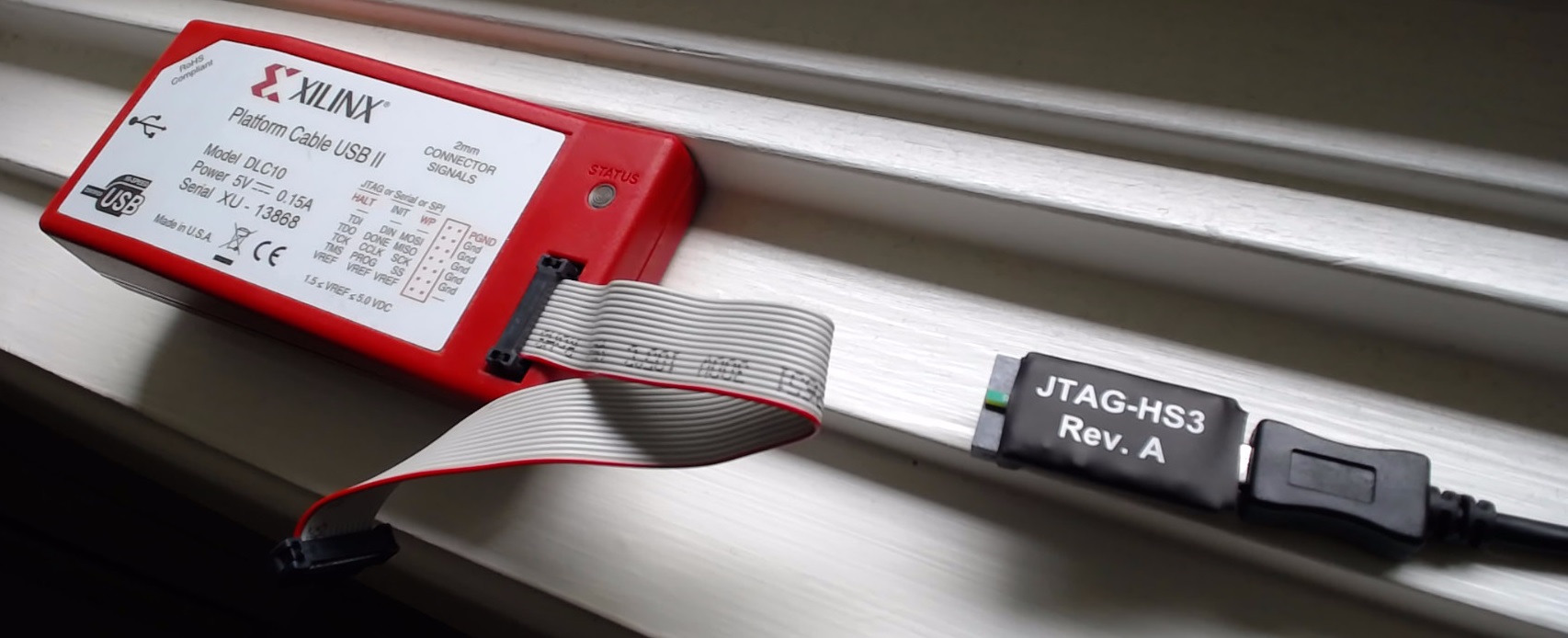
Now that I think about it, I’ve been using my Xilinx Platform Cable USB II for 10 years now!!! That’s a terrific run in my opinion, I got it in a kit for the Virtex-5 ML505 board in 2006 and I would have kept using it if I didn’t start getting these strange error messages recently. So from a recommendation, I got myself a JTAG HS3 from Digilent and it is just ridiculously better. As you can see from the photo, it’s much smaller although some people might see that as a down-side because it’s easier to lose… I don’t know.. for me, the real advantage is that it is so much faster than the Platform cable. I like tools that don’t make me wait, because my time is important and I have no patience for that moment when I’m waiting for the bitstream to download and I need to know whether my design changes are going to work or not. This tool rocks!
Breakout the Zynq Ultrascale+ GEMs with Ethernet FMC
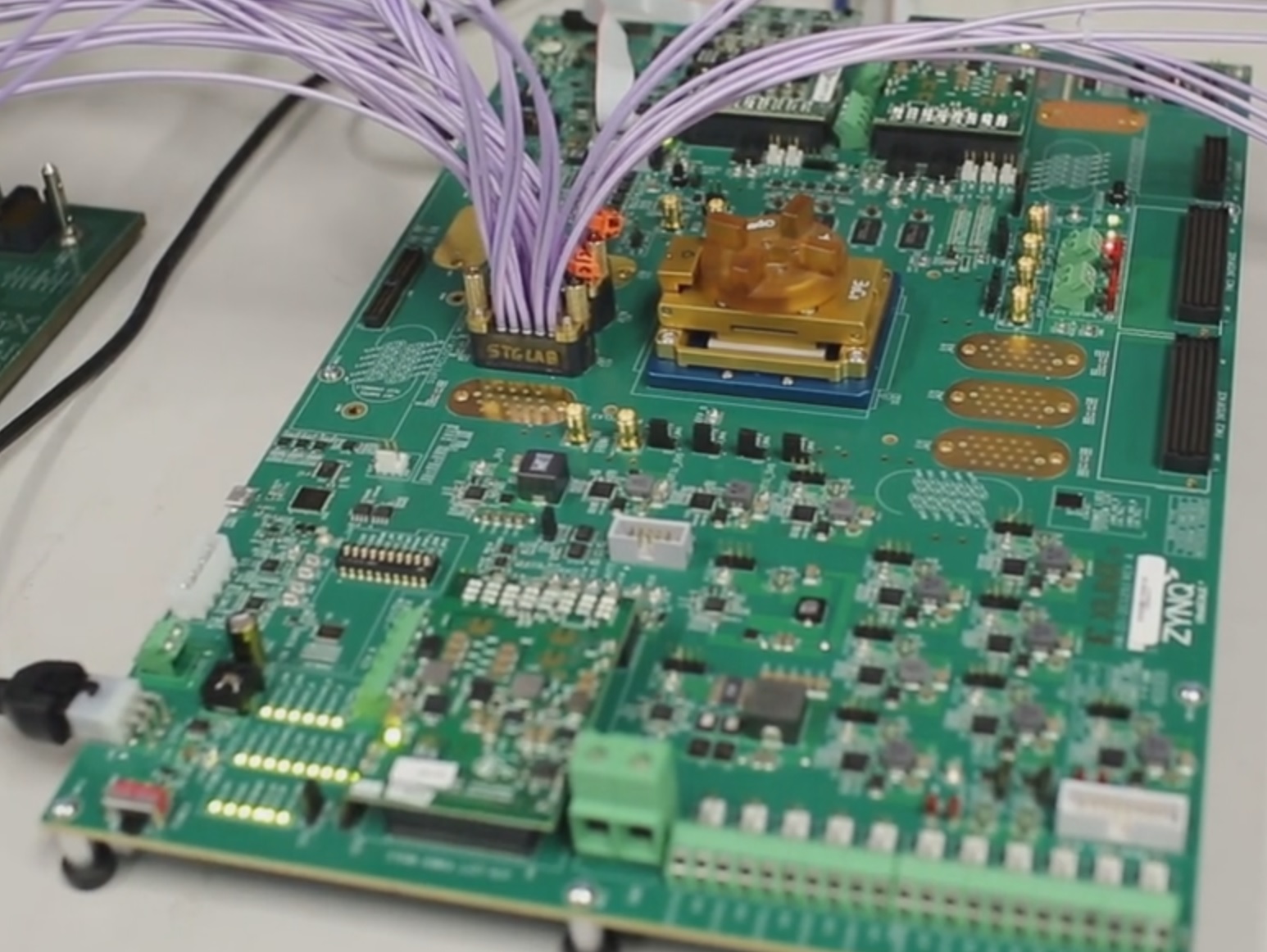
Did you know that the Zynq Ultrascale+ has 4 built-in Gigabit Ethernet MACs (GEMs)? That makes it awesome for Ethernet applications which is why I’ve just developed and shared an example design for the Zynq Ultrascale+ ZCU102 Evaluation board, armed with an Ethernet FMC to break-out those handy GEMs. The ZCU102 board has two FMC connectors, both high-pin-count (HPC), so I’ve created one basic design with two sets of constraints to choose from, depending on which FMC connector you want to use.
[Read More]FMC for Connecting an SSD to an FPGA
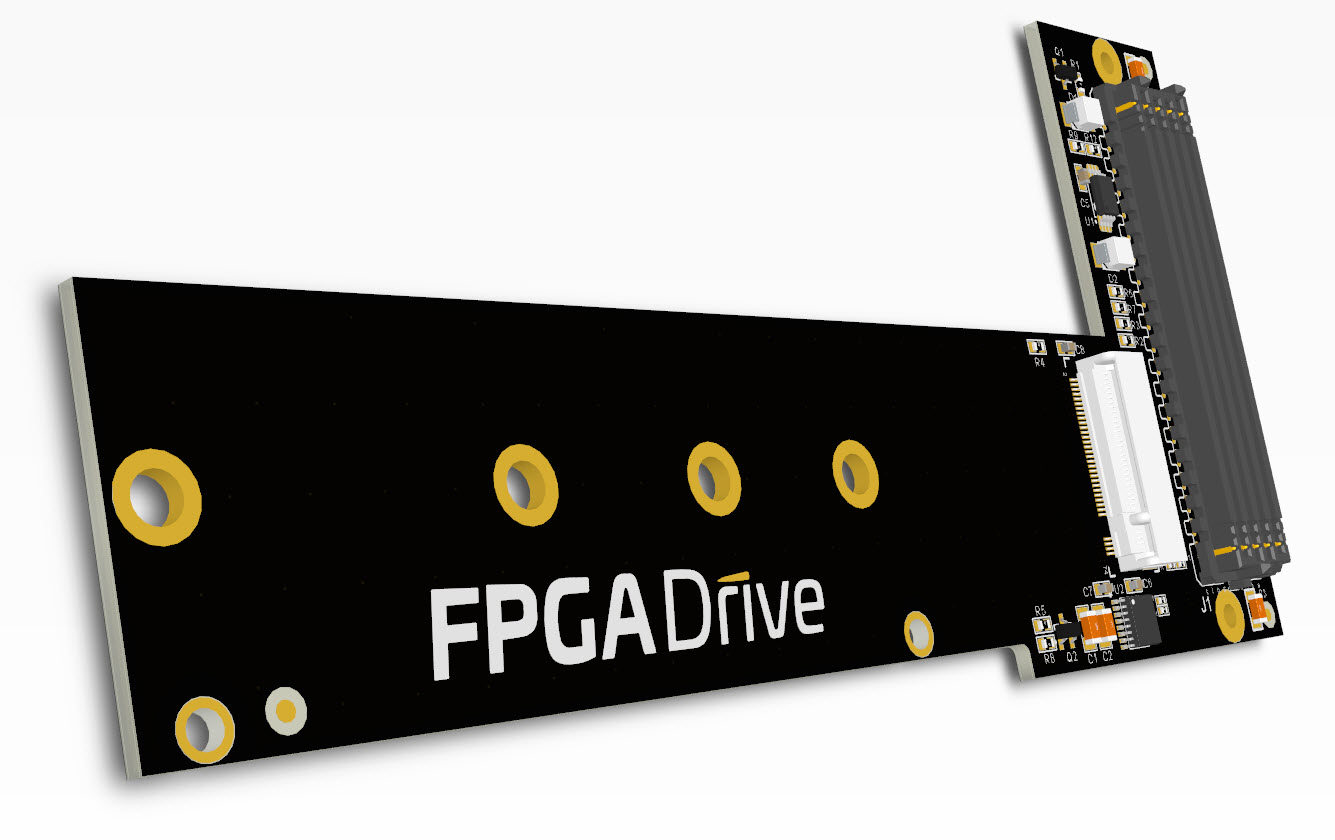
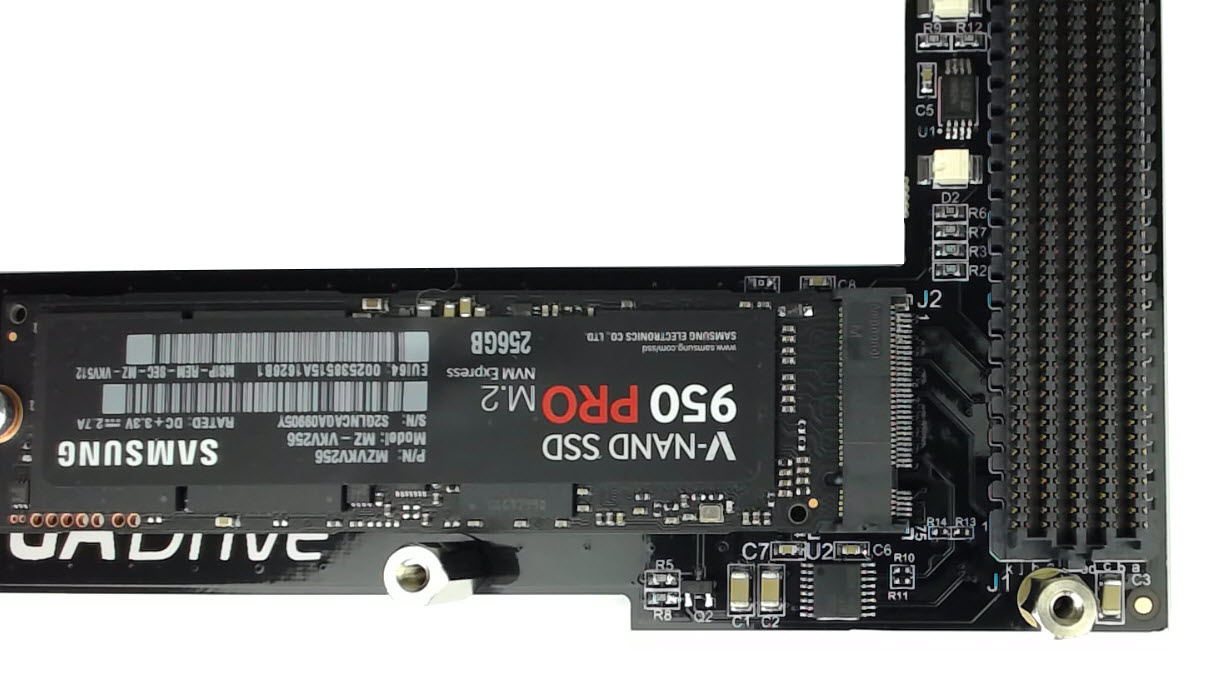
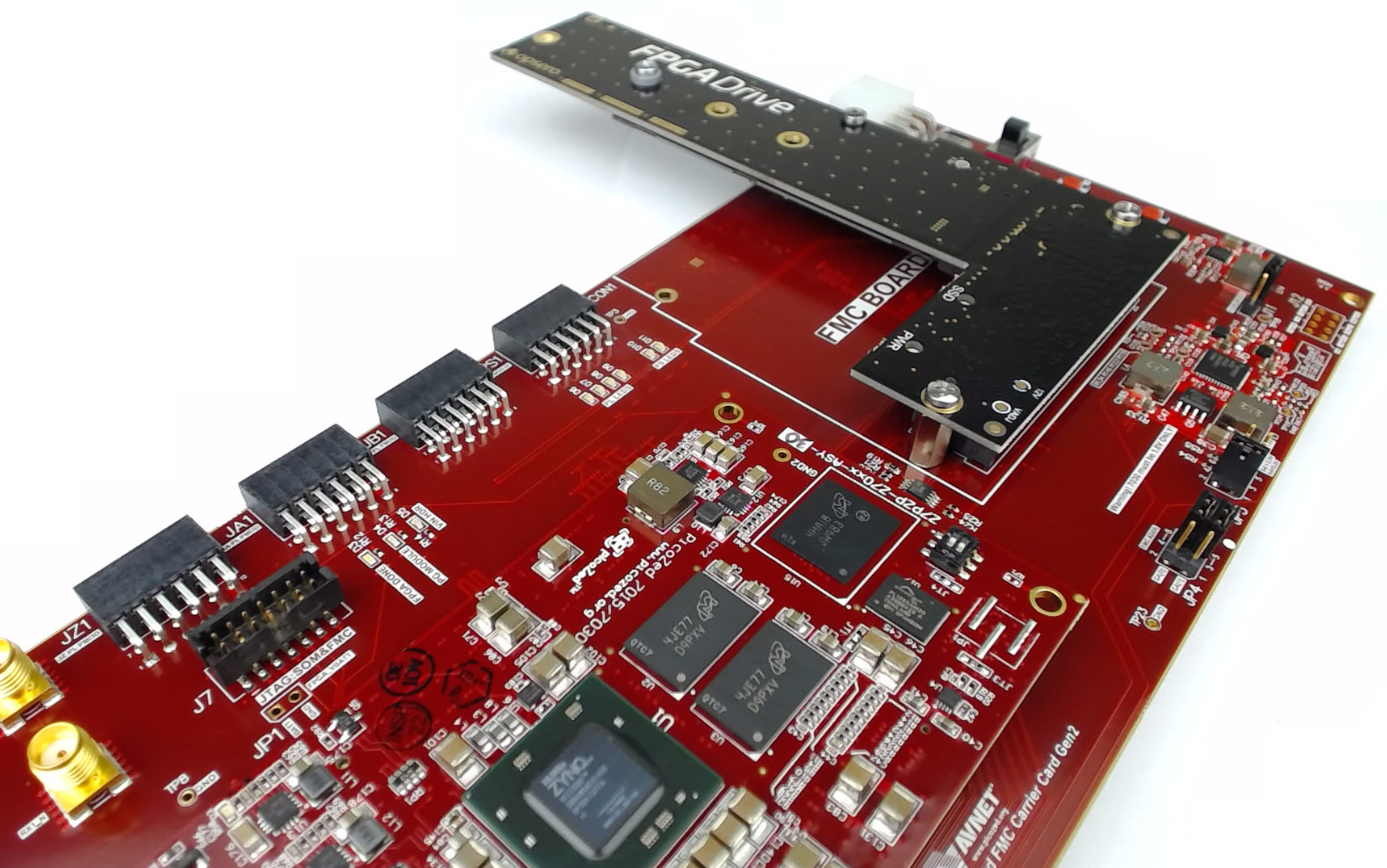
Here’s a first look at the FMC version of the FPGA Drive product, featured with the Samsung VNAND 950 Pro SSD. The FMC version can carry M-keyed M.2 modules for PCI Express and is designed to support up to 4-lanes. It has a HPC FMC connector which can be used on a LPC FMC carrier for a single-lane connection to the SSD, or a HPC FMC carrier to exploit the maximum throughput of a 4-lane connection. The FMC also has a 100MHz clock generator for PCIe applications, which provides a reference clock to the SSD and to the FPGA.
[Read More]Avnet releases PicoZed FMC Carrier Card V2
For those of you who were interested in running my recent tutorials about connecting a PCIe SSD to the Zynq (Zynq PCI Express Root Complex design in Vivado and Connecting an SSD to an FPGA running PetaLinux) you’ll be happy to know that Avnet has released the PicoZed FMC Carrier Card V2, which is the platform on which those tutorials were based.
For more information about the new PicoZed carrier, check out their video - and keep an eye out at 1m:32s where the Ethernet FMC gets a mention!
[Read More]Connecting an SSD to an FPGA running PetaLinux
This is the final part of a three part tutorial series on creating a PCI Express Root Complex design in Vivado and connecting a PCIe NVMe solid-state drive to an FPGA.
Part 1: Microblaze PCI Express Root Complex design in Vivado
Part 2: Zynq PCI Express Root Complex design in Vivado
Part 3: Connecting an SSD to an FPGA running PetaLinux (this tutorial)
In this final part of the tutorial series, we’ll start by testing our hardware with a stand-alone application that will verify the status of the PCIe link and perform enumeration of the PCIe end-points. We’ll then run PetaLinux on the FPGA and prepare our SSD for use under the operating system. PetaLinux will be built for our custom hardware using the PetaLinux SDK and the Vivado generated hardware description. Using Linux commands, we will then create a partition, a file system and a file on the solid-state drive.
[Read More]