How to Install Vitis and PetaLinux 2022.1

On Ubuntu 20.04

While getting into the Kria KV260 Vision AI Starter Kit Applications I’ve had to install Vitis and PetaLinux 2022.1 on Ubuntu 20.04. In this post I just want to write out some clear instructions to make it a smoother process for others that need to do the same thing.

Step 1: Install dependencies

It’s probably best to start by installing all of the dependencies of Vitis and PetaLinux 2022.1. Just open a terminal in Ubuntu by pressing Ctrl + Alt + T and run the following commands.

[Read More]

Camera FMC: Connecting MIPI cameras to FPGAs

Camera FMC: Connecting MIPI cameras to FPGAs

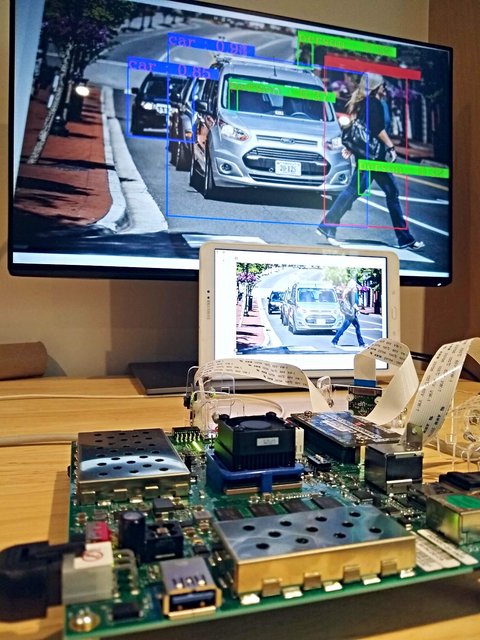
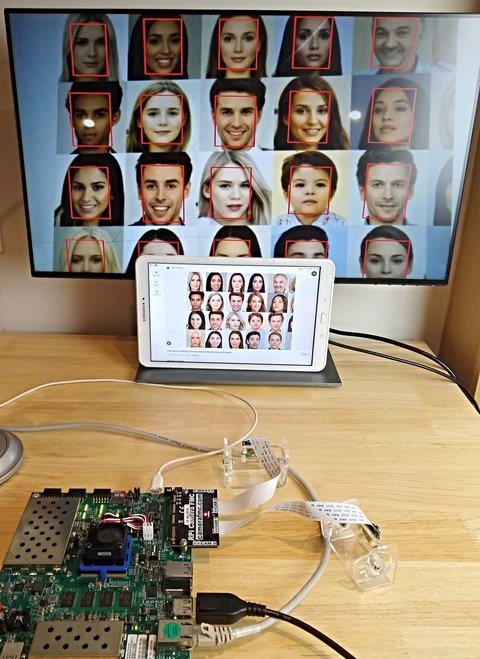
FPGAs and MPSoCs are ideally suited for machine vision applications due to their ability to process large amounts of data in parallel and at high speeds. FPGAs can run highly power efficient neural network implementations and benefit from ultra low latency connections to multiple image sensors. Given the inherent strengths of FPGAs for machine vision, it surprises me that GPUs have become the dominant hardware platform for deep learning applications1 in recent years. In my opinion, most of the potential for FPGAs in machine vision remains to be exploited.

[Read More]

A peek at the new RPi Camera FMC

A peek at the new RPi Camera FMC

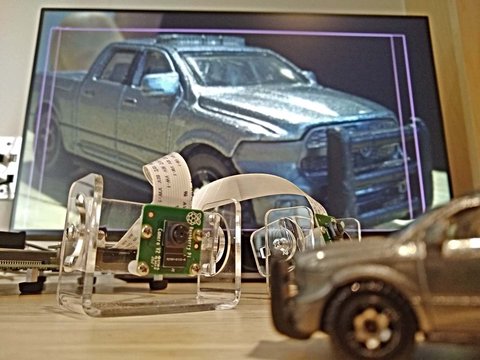
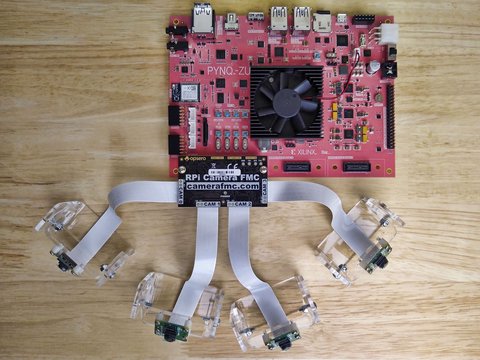
In the coming weeks we’ll be launching a new product called the RPi Camera FMC. This compact little FMC card allows you to connect 4x Raspberry Pi cameras (and variants) to a few Zynq UltraScale+ MPSoC boards listed below. All of the boards will support 4 cameras through the same FMC card.

I like Raspberry Pi and especially the impressive camera ecosystem that they and the RPi community have built up. These cameras are low cost, they come in many different types and levels of performance, and they have robust software support. Why aren’t we more actively employing this immensely valuable camera ecosystem in the FPGA space? Well the answer is complicated, but today I just want to share that my team and I are currently working on solutions to address this problem, and part of that is this new little board.

[Read More]

Update Kria Boot Firmware

Update Kria Boot Firmware

In the previous post we setup the Kria KV260 Vision AI Starter Kit for PYNQ under Ubuntu 20.04.3. Now we would like to update our Kria SoMs boot firmware so that we can boot the newer Ubuntu 22.04 and use the latest PYNQ release for Kria. In this post we’ll go through the steps for updating the boot firmware of your Kria SoM.

Just for clarity, the table below shows the Kria Ubuntu images that are currently available and the version of boot firmware that is required to boot them. My particular board seems to have boot firmware 2021.1 which limits it to Ubuntu 20.04.3 and thus an older release of PYNQ; hence I need to update.

[Read More]

Setup PYNQ on the Kria KV260 Vision AI Starter Kit

Setup PYNQ on the Kria KV260 Vision AI Starter Kit

In this post we’re going to setup the Kria KV260 Vision AI Starter Kit for use with PYNQ. For other platforms like the PYNQ-Z1, the PYNQ setup is quite simple: we download a disk image file for the version of PYNQ that we want to use and we just burn that image onto our SD card. For the Kria, it’s a bit different and unfortunately it’s a bit more complicated, at least it is at the moment I write this post.

[Read More]

Comprehensive list of FPGA development boards

Comprehensive list of FPGA development boards

Update 2022-10-19: I’m aware that I have some work to do to get the boards from Intel, Lattice, Efinix and other FPGA vendors into these lists. All I can say is that I’m working on it! I also ended up with a lot of emails from people wanting to get certain dev boards added to the lists so I’ve made it easier for you (and me) to do that. If you have a board that you would like to list, please submit the details to me and I will put it up in a day or so. Note that I’ll only list boards if the price is made public - no boards requiring custom quotations!

[Read More]

M2 SSD-to-FPGA adapter supports Gen4 PCIe

M2 SSD-to-FPGA adapter supports Gen4 PCIe

One of the projects I’ve been working on in the last few months has been upgrading our M2 SSD to FPGA adapter product (FPGA Drive FMC) to support the new Gen4 PCIe SSDs. It’s now available to buy so I thought that I would share some photos and write a bit about the changes that we made. The photos were taken with these two Gen4 PCIe SSDs:

  • Corsair Force Series MP600 1TB Gen4 PCIe NVMe M.2 SSD
  • WD_Black 500GB SN750 SE Gen4 PCIe NVMe M.2 SSD

Board material

Perhaps the most influential change to the PCB design was the change of board material. The original FPGA Drive FMC product was made with standard FR4 PCB laminate and it was designed to support up to PCIe Gen3 which operates at 8GHz. When we go up to PCIe Gen4, the signal frequency doubles to 16GHz, and we cross over a point where the losses of the FR4 laminate become a bit too high for operating reliable error-free serial links of a decent length.

[Read More]

Processorless Ethernet: Part 3

State machine based Ethernet on FPGA

Processorless Ethernet: Part 3

For those of you who want to experiment with processorless Ethernet on FPGAs, I’ve just released a 4-port example design that supports these Xilinx FPGA development boards:

Here’s the Git repo for the project: Processorless Ethernet on FPGA

Why processorless?

Pure hardware designs can trump software where the need for low latency and/or high throughput is greater than the need for flexibility and complexity (eg. the support of complex protocols). There are lots of applications that rely on hardware based packet processing to achieve their superior performance. High frequency trading platforms are often fed market pricing over multicast UDP, so their profitability is directly linked to their ability to process UDP with the lowest possible latency. Network security devices that monitor traffic usually need to be as transparent as possible while also being able to detect threats and take action with the lowest possible delay. Whatever your reason for processing Ethernet frames in the FPGA fabric, make sure that you consider both sides of the coin:

[Read More]

Processorless Ethernet: Part 2

Modularizing the TEMAC example design

Processorless Ethernet: Part 2
This article was written by Pablo Trujillo, an FPGA developer and consultant based in Valencia, Spain; a place that I happen to be very fond of, because of the many tapas bars and good eating/drinking to be done there. Pablo writes his own blog on FPGAs called Control Paths and he’s also a very active contributor to Hackster.io. In this article, Pablo explains how he has helped me to modularize the TEMAC example design that we looked at in an earlier post. The point of modularizing the design is to be able to easily extend it to the 4-ports of the Ethernet FMC, and it’s the first step in the development of a 4-port processorless reference design that supports multiple FPGA dev boards. I hope you enjoy reading this article and that it leads you to checkout more of his work. -Jeff

On one of the last posts we used the example design generated by Vivado for the tri_mode_ethernet_mac_ip, and we changed the port used by the example to one of the ports of the Ethernet FMC board. This time, we are going to modify the example design in order to make it easy to replicate the example project on the 4 ports of the FMC Ethernet. To do that, we will need to extract from the example the blocks that will be shared by all ports, and also modify the IP configuration in order to use the less different modules possible.

[Read More]

PetaLinux build artifacts

How to keep them and where to find them

PetaLinux build artifacts
These tips apply to PetaLinux 2020.2.

To save disk space, the PetaLinux tools deletes all build artifacts at the end of the build process. If you want to keep them for debugging or to help you develop a patch, you can add the following line to the project-spec/meta-user/conf/petalinuxbsp.conf file:

  RM_WORK_EXCLUDE += "recipe"

Where recipe must be substituted with a valid recipe name such as the following:

Sources Recipe name
Kernel linux-xlnx
FSBL fsbl
U-Boot u-boot-xlnx
PMU firmware pmu-firmware
Device tree device-tree

If you want to preserve the build artifacts of more than one component, you can append the recipe names, separated by spaces, for example, to preserve the kernel sources and the FSBL:

[Read More]